Freemium
Raphael AI
Raphael AI is a free AI image generator for text to image drafts and simple image editing.
Pricing
Freemium
Views
41
Published
Directory
ThisTool
About Raphael AI
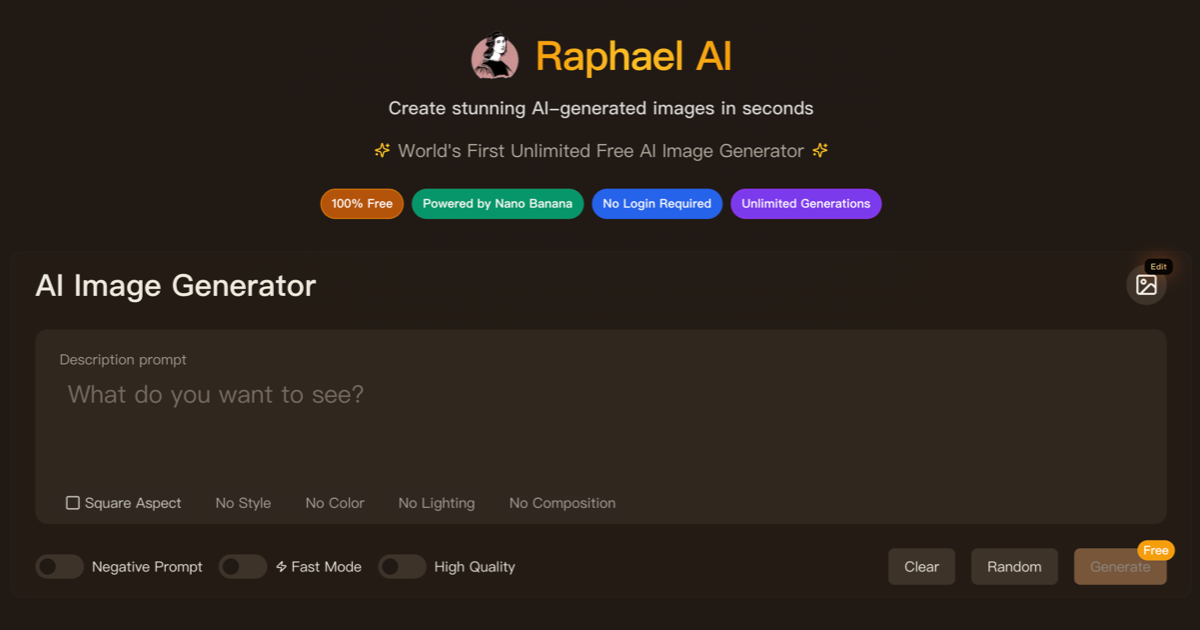
Raphael AI is a free AI image generator for people who need a still image before they have a design file. You write what the picture should show, and the free AI image generator returns an image you can use as a first draft. The same workspace also works as an AI image editor when you already have a photo and only need to change part of it.
Start with text to image. Name the subject, the style, and the frame. A product mock, a blog header, a social image, or a simple diagram are the jobs it handles well. If the first result is close, stay in the editor and adjust the subject instead of throwing the draft away and starting from a blank prompt.
The free tier is the basic plan. You can try the free AI image generator without treating it like a paid seat. Free outputs carry a watermark. Paid plans are the ones meant for commercial use, when you need the watermark gone and a cleaner file for a site, a deck, or a printed page. That split is stated up front so the basic plan is not a surprise later.
Raphael AI covers an AI image generator, text to image, and image editing in one place. It is not a video studio and it is not a stock library. Use it when the job is a still image and you would rather describe the picture than draw it.
A practical pass looks like this. Write one sentence for the subject. Add the medium, such as a photo, a flat illustration, or a pencil sketch. Add what must stay out of the frame. Then open the result and check any letters inside the image, because generated text still goes wrong. Raphael AI is most useful when you iterate twice and keep the version that matches the brief.
If you are comparing tools, judge the free AI image generator on three things. Does the basic plan actually run. Does the listing send you to the real site. Does the paid plan say plainly that the watermark is removed. Raphael AI is built around that first draft, not around a pile of extra apps.
People use it for a header when a post has no art, for a mock when a product page is still a document, and for a diagram when a paragraph would be easier to read as a picture. The point is a usable still, not a gallery. Keep the prompt short, check the letters, and export the file you will actually publish.
Official Website
Try Raphael AI
Visit the official website to explore this tool and learn more.